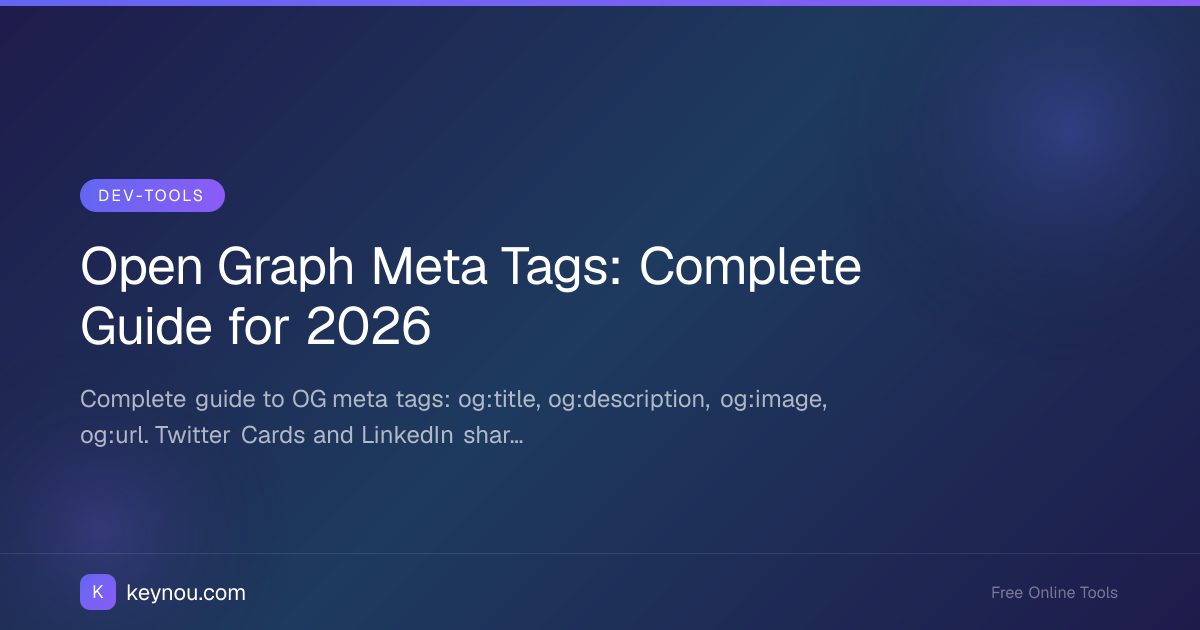
Open Graph Meta Tags: Complete Guide for 2026
Open Graph meta tags control how your web pages appear when shared on social media. Without them, platforms guess what to show — and they usually guess wrong. A missing og:image means a blank preview card. A missing og:title means the platform pulls a random string from your page. Getting open graph meta tags right ensures every share of your content looks intentional, branded, and clickable.
What Are Open Graph Meta Tags?
Open Graph is a protocol originally created by Facebook in 2010. It uses <meta> tags in your HTML <head> to define how a URL should be represented when shared on social platforms. Today, every major platform — Facebook, LinkedIn, Twitter/X, Slack, Discord, Telegram, and iMessage — reads these tags to build link previews.
The protocol defines a small set of core properties. Each one maps to a specific part of the preview card.
→ Social preview card rendered by platforms
The Core Open Graph Tags
Every page that might get shared should include at minimum these six tags.
og:title
The title shown in the preview card. Keep it under 60 characters — platforms truncate longer titles. This should match or closely mirror your <title> tag, but it doesn't have to be identical.
<meta property="og:title" content="Open Graph Meta Tags: Complete Guide for 2026" />
og:description
A one-to-two sentence summary of the page. Aim for 155 characters or fewer. This is your elevator pitch in the feed — make it specific, not generic.
<meta property="og:description" content="Complete guide to OG meta tags with examples for Facebook, Twitter, and LinkedIn." />
og:image
The URL of the preview image. This is the single most important tag for click-through rate. Use an absolute URL (including https://), and specify dimensions with the companion tags:
<meta property="og:image" content="https://example.com/images/og-guide.png" />
<meta property="og:image:width" content="1200" />
<meta property="og:image:height" content="630" />
Without the width and height tags, platforms make an extra HTTP request to determine the image dimensions, which slows down card rendering. You can create properly sized images with the OG Image Generator.
og:url
The canonical URL of the page. This should be the absolute URL you want people to land on, including the protocol and domain. It matters because platforms use it for deduplication — if two different URLs share the same og:url, they're treated as the same page.
<meta property="og:url" content="https://example.com/blog/open-graph-meta-tags" />
og:type
The type of content. Common values are website (for the homepage), article (for blog posts and news), and product (for e-commerce). Setting og:type to article unlocks additional article-specific tags like article:published_time and article:author.
<meta property="og:type" content="article" />
og:site_name
The name of your site as a whole. Platforms display this as a small label above or below the card. It helps with brand recognition when your content is shared without context.
<meta property="og:site_name" content="Keynou" />
Twitter Card Meta Tags
Twitter (now X) uses its own set of meta tags in addition to Open Graph. The most important is twitter:card, which determines the card layout:
<meta name="twitter:card" content="summary_large_image" />
<meta name="twitter:title" content="Open Graph Meta Tags: Complete Guide" />
<meta name="twitter:description" content="Complete guide to OG meta tags with examples." />
<meta name="twitter:image" content="https://example.com/images/og-guide.png" />
Use summary_large_image for blog posts — it gives you the large image card that performs best. If Twitter-specific tags are absent, Twitter falls back to your Open Graph tags, so og:title and og:image will still work. But setting twitter:card explicitly is the only way to control the card layout.
Testing Your Open Graph Tags
Never publish without testing. Two tools are essential:
- Facebook Sharing Debugger — Shows exactly how Facebook and LinkedIn will render your card, and flags missing or malformed tags. It also forces Facebook to re-scrape your page if you've updated tags.
- Twitter Card Validator (now part of the X developer portal) — Previews your card on Twitter and reports issues.
Both tools cache results, so if you change your tags, you'll need to re-scrape. The Facebook debugger has a "Scrape Again" button for this.
Common Open Graph Mistakes
These errors show up constantly in the wild:
- Relative image URLs.
og:imagemust be an absolute URL.content="/images/og.png"silently fails on most platforms. - HTTP instead of HTTPS. Several platforms reject non-HTTPS images outright. Always serve OG images over HTTPS.
- Missing
og:image:widthandog:image:height. Without these, some platforms won't render the image at all until they fetch it separately. - Stale cache. If you update your OG tags but don't re-scrape, platforms continue showing the old card for days.
- Duplicate tags. Having two
og:titletags (often from a CMS plugin conflict) causes unpredictable behavior. Audit your<head>for duplicates.
Open Graph Tags for Different Content Types
For articles, add these optional but useful tags:
<meta property="article:published_time" content="2026-08-21T00:00:00Z" />
<meta property="article:author" content="Keynou Team" />
<meta property="article:section" content="Development" />
<meta property="article:tag" content="open graph" />
For product pages, use og:type="product" and add pricing and availability tags where supported. The exact product tags vary by platform, so check the documentation for where you're sharing.
Summary
Open graph meta tags are a small amount of HTML that has an outsized effect on how your content performs socially. Include all six core tags on every page, add Twitter Card tags for layout control, always test with the Facebook debugger, and use absolute HTTPS image URLs with explicit dimensions. For more on the image side of things, read our free OG image generator guide and our primer on what an OG image is and why every website needs one. The Open Graph protocol documentation is the canonical reference for the full tag specification.