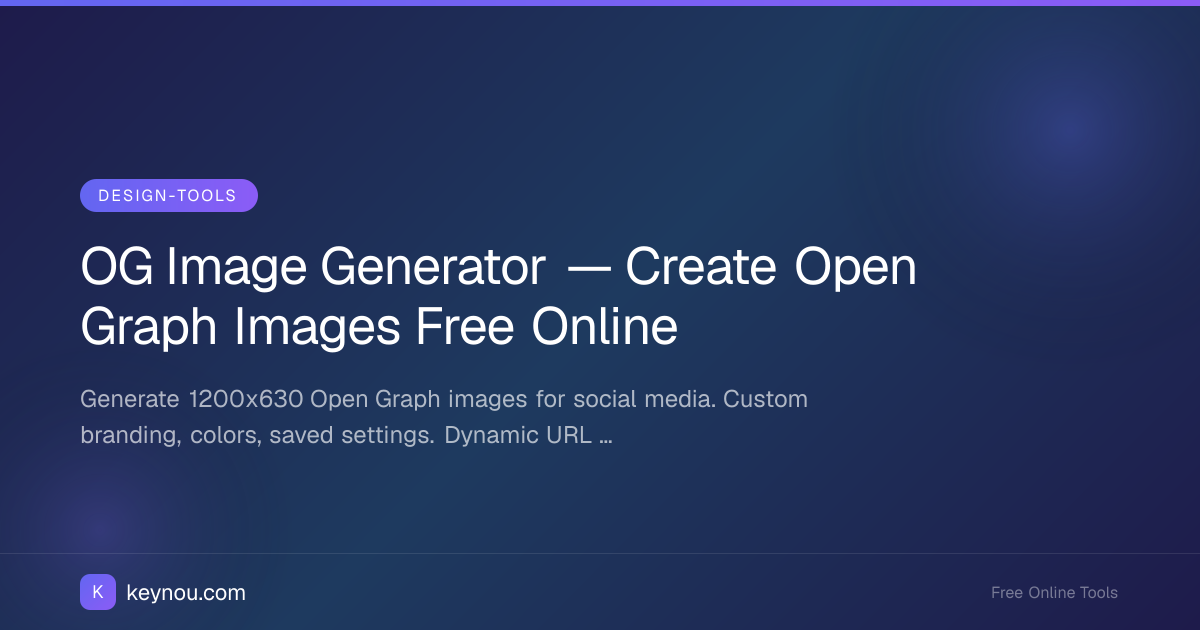
OG Image Generator — Create Open Graph Images Free Online
When someone shares your blog post or product page on Twitter, Facebook, LinkedIn, or Slack, the platform scrapes your page for an Open Graph image. That image is the first thing people see in their feed — it can make the difference between a click and a scroll-past. An OG image generator lets you create these social preview images without opening Photoshop or hiring a designer.
This guide covers what OG images are, the standard sizes platforms expect, and how to use a free OG image generator to produce branded previews in seconds.
What Is an Open Graph Image?
Open Graph is a protocol originally introduced by Facebook (now Meta) in 2010. It uses meta tags in your HTML <head> to control how URLs appear when shared. The most important tag is og:image, which tells platforms which image to display in the link preview card.
A typical set of OG tags looks like this:
<meta property="og:title" content="How to Brew Better Coffee at Home" />
<meta property="og:description" content="A practical guide to extraction, grind size, and ratios." />
<meta property="og:image" content="https://example.com/images/coffee-og.png" />
<meta property="og:image:width" content="1200" />
<meta property="og:image:height" content="630" />
Without an og:image tag, platforms either pick a random image from your page or show a blank preview. Neither option builds trust or earns clicks.
The 1200×630 Standard
Every major platform has converged on roughly the same dimensions for link preview images. The recommended size is 1200×630 pixels, which works well across Facebook, Twitter (X), LinkedIn, Slack, Discord, and most messaging apps.
Here's how the same image renders across platforms:
1200×630 works everywhere
Keep important content within the center 1200×630 safe zone.
Avoid placing text within 80px of any edge.
Safe content zone: 1040 × 470 px (centered)
Twitter technically prefers 1200×628, but the two-pixel difference is negligible. Stick with 1200×630 and you're covered everywhere.
Using an OG Image Generator
A dedicated OG image generator removes the manual work. Instead of creating a canvas, adding text layers, exporting, and uploading, you type your title, pick colors, and download.
The Keynou OG image generator lets you:
- Set a title and subtitle that render directly onto the image
- Choose brand colors for background, text, and accents
- Add a logo or avatar in a corner for brand consistency
- Save your settings so every post uses the same template
- Download a PNG or generate a dynamic URL that renders on the fly
The dynamic URL approach is particularly useful if you publish frequently. You encode your title in the URL parameters, and the generator returns a fresh PNG every time — no manual export step.
Custom Branding and Colors
Brand consistency matters. If every social card looks like it came from a different company, people stop trusting your links. The generator solves this by letting you lock in your visual identity once.
Pick your background color using a color wheel to find the exact HEX value that matches your brand. Set your headline font size, accent bar color, and logo position. Save the configuration. From that point on, every image you generate uses the same look — you only change the text.
For teams managing multiple brands or clients, you can maintain several saved configurations and switch between them.
Dynamic URL Generation
Static PNGs work fine for most sites, but dynamic URLs unlock automation. The pattern looks like this:
https://keynou.com/api/og?title=Your+Title&theme=blue
When a platform scraper requests that URL, the server renders the image on demand. This means:
- Blog platforms (Ghost, Hashnode, dev.to) can auto-generate cards for every post
- E-commerce sites can create product-specific previews without storing thousands of images
- Dynamic apps can personalize cards per user or per campaign
You get the visual quality of a designed image with the scalability of a template system.
Use Cases for Bloggers and Marketers
- Blog posts — Every article gets a branded card with the post title and author
- Product launches — Create shareable cards for landing pages and press releases
- Newsletter archives — Give each issue a recognizable preview when shared
- Webinars and events — Generate registration cards that look consistent across channels
- Podcast episodes — Pair episode titles with cover art for social promotion
If you also need square or story-format images for Instagram or Pinterest, pair the OG generator with a social media image editor to resize and reformat without redesigning from scratch.
Best Practices for Clickable OG Images
- Keep text large and short — People see these images on phone screens at 200px wide. If your title is longer than 60 characters, it won't be readable.
- Use high contrast — Light text on dark backgrounds or vice versa. Avoid busy background photos behind text.
- Include your logo — Even a small mark in the corner builds recognition over time.
- Test before publishing — Use Facebook's Sharing Debugger or Twitter's Card Validator to confirm your image renders correctly.
- Keep file size under 300KB — Platforms may skip images that take too long to load.
Start Generating
You don't need a design tool, a subscription, or an account. Open the OG image generator, type your title, pick your colors, and download. For more on how Open Graph tags work, the official OG protocol documentation covers every supported property, and Meta's sharing best practices detail platform-specific requirements.
Every link you share is a mini advertisement for your content. Make it count.